
Short answer: give each language its own URL, link every page to its translation with hreflang tags, write each page fully in one language, and treat Arabic as its own market instead of a translation. Google’s own documentation for multilingual sites points to the same steps.
Many companies in Egypt and the Gulf run one website for two audiences. Arabic speakers search in Arabic, often with local words. English speakers search in English. A site that mixes the two on one page, or hides one language behind a button, usually ranks weakly in both. This guide covers the setup, the common mistakes, and the questions people ask most, with answers at the end.
Why a bilingual site needs a plan
A bilingual website is two sites that share a brand. Each language has its own searchers, its own search phrases and its own competitors. If you only translate the menu, or publish the Arabic pages once and never maintain them, Google and your visitors see two half-finished sites.
Google separates two ideas that people often mix up. A multilingual site offers content in more than one language. A multi-regional site targets different countries. A company serving Egypt, Saudi Arabia and the UAE in Arabic and English can be both. The steps below handle the language part first, because that is where most sites lose rankings. Country targeting comes second.
Step 1: Use a separate URL for each language
Google recommends a different URL for each language version of a page, instead of changing the language with cookies or browser settings. If a page switches language dynamically, Googlebot may never see the other version. Google explains that its crawler usually starts from the USA and sends no language preference with its requests.
In practice that looks like this:
- English:
/services/seo/ - Arabic:
/ar/services/seo/
Each one is a normal page that anyone can open, bookmark and share. This also helps your visitors, because a link sent on WhatsApp opens in the language of the person who sent it.
Step 2: Connect the versions with hreflang
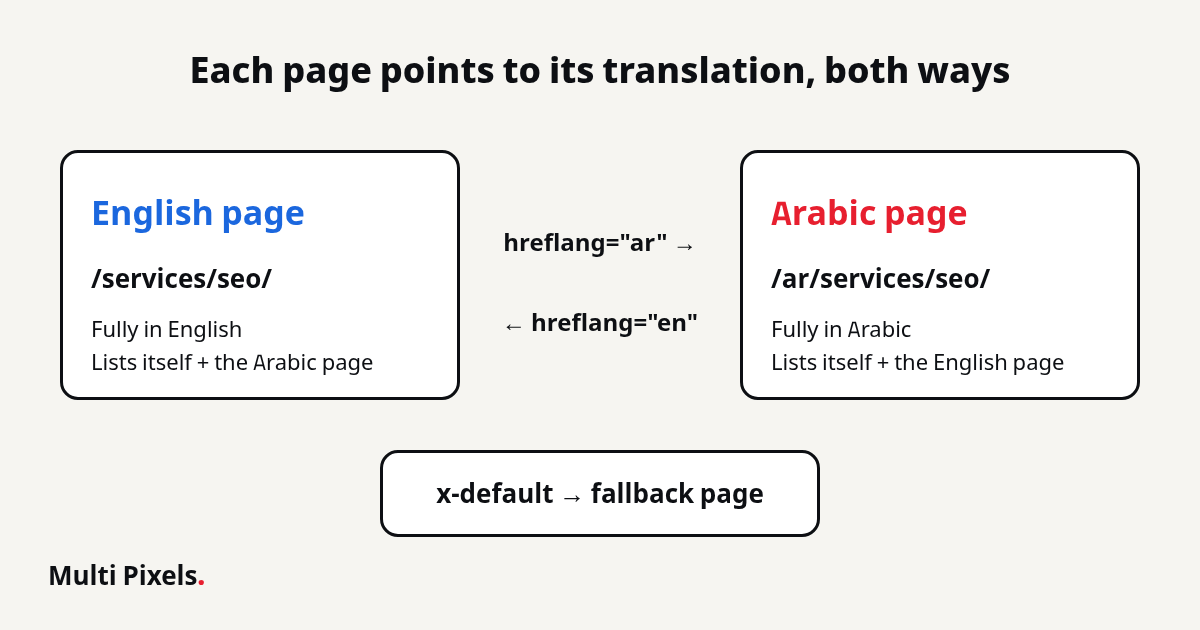
Hreflang is an annotation that tells Google two pages are the same content in different languages. Google can then show each searcher the version that fits. Google’s rules:
- Each language version lists itself and every other version.
- Links are fully qualified, with https.
- Both pages must point to each other. If one side is missing, Google ignores the tag. This stops other sites from claiming your page as their alternate.
- Add an
x-defaultpage for searchers whose language you do not target.
You can place hreflang in three ways: in the HTML head, in HTTP headers, or in the XML sitemap. Google treats the three as equal. Pick the one that is easiest for you to maintain. Using all three adds work and gives no benefit in Search.
Here is the HTML version for one page that exists in English and Arabic:
<link rel="alternate" hreflang="en" href="https://example.com/services/seo/" />
<link rel="alternate" hreflang="ar" href="https://example.com/ar/services/seo/" />
<link rel="alternate" hreflang="x-default" href="https://example.com/services/seo/" />
The same three lines go on both the English page and the Arabic page.
Step 3: Make the language of each page obvious
Google decides the language of a page from its visible text. It does not use the lang attribute or the URL for this. So each page should use one language for the content and the navigation. Avoid side-by-side translations on the same page. Do not translate only the template while the main content stays in one language. Google warns that this can create a poor experience when the same content shows up several times in results with different boilerplate.
You should still set lang and dir correctly in the HTML, since they help browsers and screen readers. They just do not decide how Google reads the page.
Step 4: Write Arabic as its own market
A word-for-word translation is understandable but often misses how people actually search. Before publishing an Arabic page:
- Search the main phrase in Arabic on Google and read what ranks. Use the same terms those pages use. For example, the usual Arabic phrase for a service is often not the literal translation of the English one.
- Match the country. Egyptian and Gulf readers can use different words for the same service, and prices appear in different currencies.
- Keep the brand name identical across languages, including the Arabic spelling you choose, so search engines and AI tools connect both versions to one company.
- Have a native Arabic reader review the final text. Machine translation is a first draft, not a finished page.
On Google’s guidance for generated content: using automated tools to produce many pages without adding value for users can break its spam policy on scaled content abuse. The safe approach is to write fewer pages and make each one useful.
Step 5: Let people switch language
Put a clear language link on every page that points to the same page in the other language, not to the home page. Do not redirect visitors automatically by location or browser language. Google advises against this because it can stop both people and search engines from reaching every version.
Step 6: Choose where Arabic lives
Google compares the options for targeting a language or country:
| Option | Example | Main upside | Main downside |
|---|---|---|---|
| Subfolder | example.com/ar/ | Easy to set up, low maintenance, same host | Country targeting is less obvious from the URL |
| Subdomain | ar.example.com | Easy to set up, can use different servers | People may not know if “ar” means language or country |
| Country domain | example.eg | Clearest country signal | More expensive and only targets one country |
For most small and mid-size businesses, a subfolder on one domain is the simplest. It keeps all your authority on a single site, which is how this site is set up.
Step 7: Country versions, only if the content really differs
If you serve Egypt and Saudi Arabia with different offers, prices or phone numbers, you can create country pages and mark them with region codes such as ar-EG and ar-SA. Google asks that you also keep a general ar page for Arabic speakers in all other countries. If the Arabic content is the same for every country, one Arabic version with the plain ar code is enough, and simpler to maintain.
Common mistakes to avoid
- Hreflang that points one way only. Google ignores it.
- Relative links such as
/ar/page/instead of the full URL. - Automatic redirects by IP or browser language.
- A translated menu over untranslated content.
- Different brand spellings in each language.
- An Arabic site that is never updated when the English one is.
- Translated pages missing from the XML sitemap.
Quick checklist
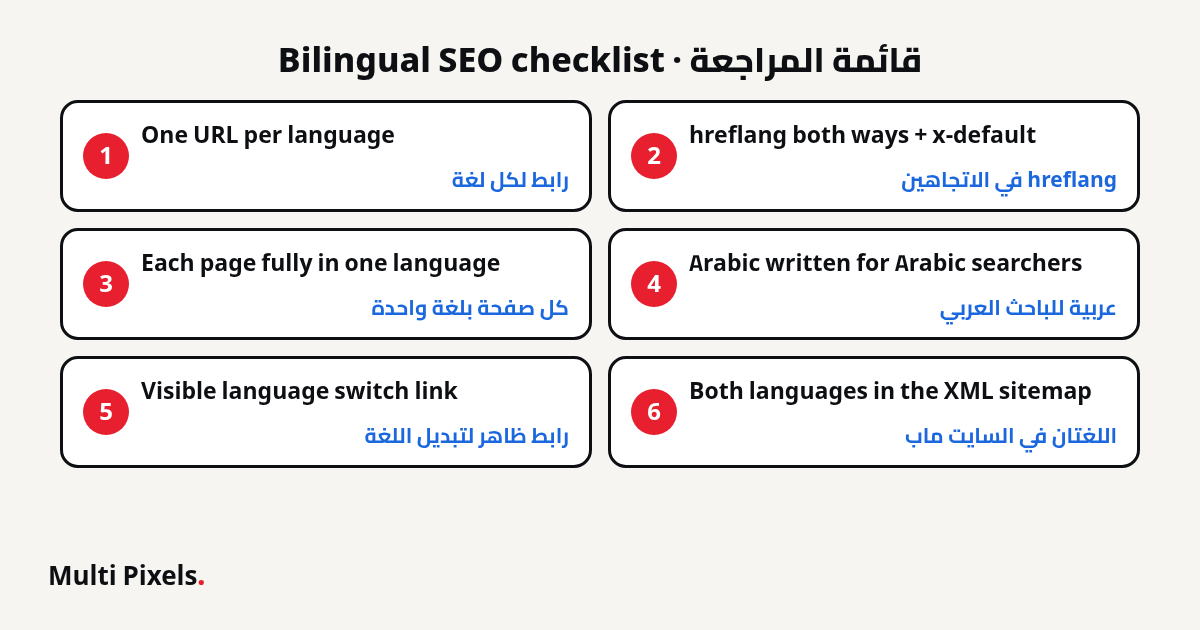
- One URL per language, no cookie-based switching.
- Hreflang on every page, both directions, plus x-default.
- Each page fully in one language.
- Arabic written for Arabic searchers, not translated word for word.
- A visible link to the other language on every page.
- Each language listed in the XML sitemap.
Next step
If you want us to check your site against this list, see our bilingual marketing agency page or our SEO service.
Sources: Google Search Central, “Localized Versions of your Pages” and “Managing Multi-Regional and Multilingual Sites”; Google Search Central, “Using generative AI content”.


